







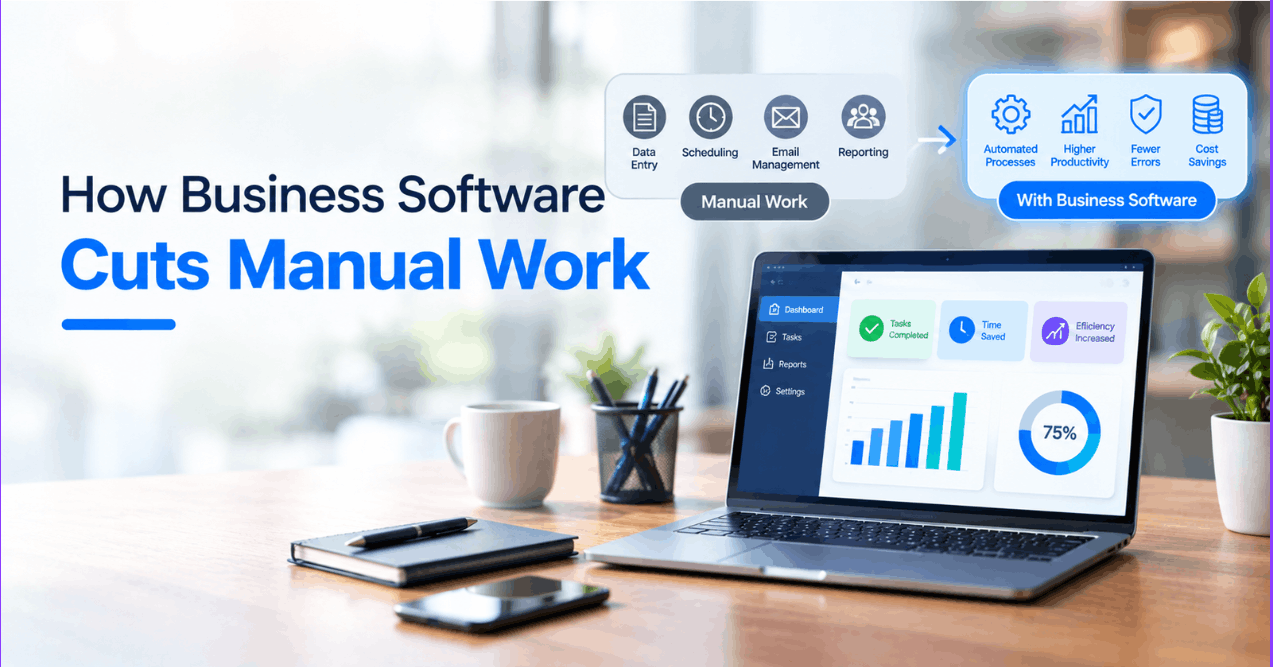
Automation is most useful when it removes avoidable handoffs without hiding important decisions. Before buying or building software, understand the work as it happens: the normal path, the exceptions, approvals and records people rely on.
Choose a workflow that is ready to improve
Look for tasks that are repeated, rules-based and supported by reliable inputs. Map who starts the work, what information is needed, which checks are required, where the result is recorded and what should happen when something does not fit the usual pattern. If teams disagree about the process, resolve that before automating it.
Five practical areas to examine
1. Request and form intake
Validate required fields when a request is submitted, route it to the right queue and acknowledge receipt. Keep a manual path for incomplete or unusual requests rather than silently discarding them.
2. Invoice and document handling
Use software to collect documents, check required information and prepare a review queue. Treat automated extraction as a suggestion where a wrong value could affect payment or accounting; retain approval and correction steps.
3. Support-ticket routing
Classify requests using a small set of transparent rules or suggestions, then let staff correct misrouted items. Track routing errors that cause delays and refine categories from observed cases.
4. Inventory updates
Connect order and stock records so a change is visible in the systems teams
use. Define which system owns the stock quantity, how cancellations and
returns are handled, and how mismatches are reconciled. The archived
 illustration provides an e-commerce workflow example; it does not imply a
particular implementation or result.
5. Follow-up reminders
Schedule reminders for a known next action, such as an unanswered request or an approval waiting for review. Make the reminder status visible and allow a person to pause or resolve it when context changes.
Build in exception handling and ownership
Decide who can see and change each record, how failures are surfaced, whether a retry is safe, and how duplicate submissions are prevented. Keep an audit trail for important changes and define a human escalation route for ambiguous or sensitive decisions.
Measure the pilot before expanding it
Choose a baseline and a small number of measures before release: completion time, rework, missed handoffs, error types or staff effort. Compare like-for-like work and review quality as well as speed. If automation shifts effort to another team or creates difficult exceptions, adjust the workflow instead of counting only the steps removed.
Related reading
UfaqTech builds custom business software and integrations. See software development services or discuss a workflow.