







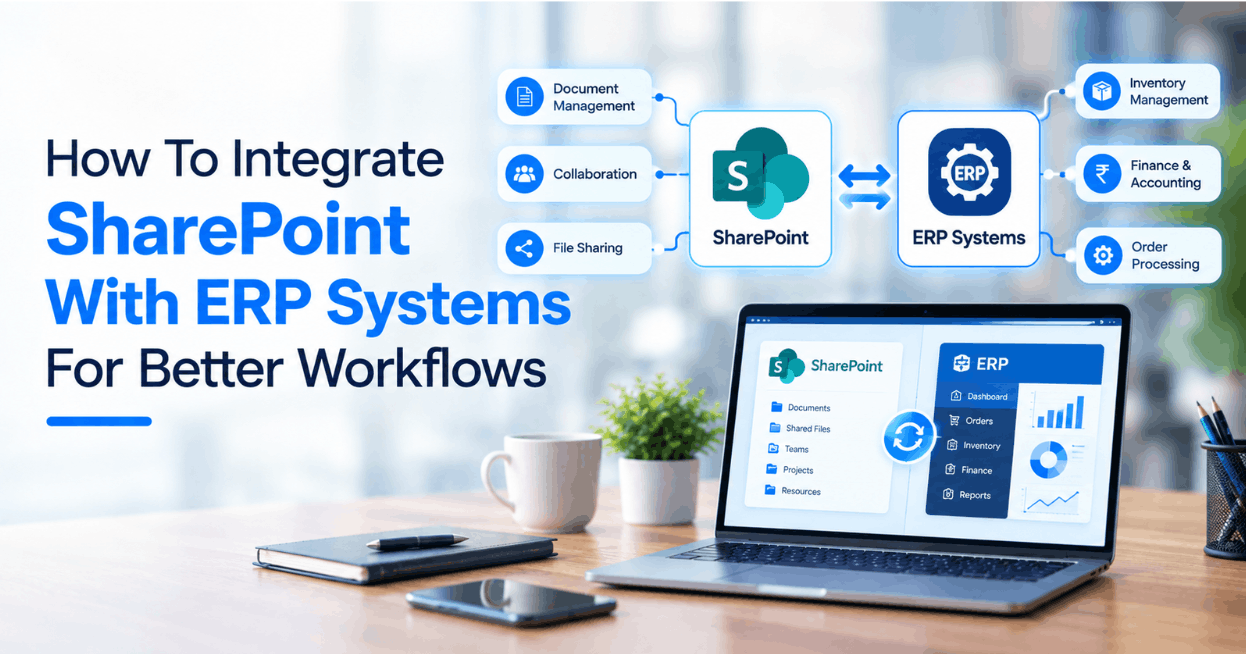
SharePoint and an ERP platform often support different parts of a business process: one manages collaboration and documents, while the other records transactions. An integration should connect those tasks without creating conflicting copies of important data or widening access beyond a user’s permissions.
Start with the business event and system of record
Choose one workflow—such as a purchase request, supplier document or order packet—and map how it works today. For every field and document, decide which system owns the authoritative value. Share a stable record identifier and a link or reference where possible rather than copying every ERP field into a second store.
Map records and document metadata
Define how a transaction relates to a SharePoint site, library, folder or document set. Agree on required metadata, naming rules, retention behavior and what happens when a transaction changes or is cancelled. Test duplicate submissions and updates so a retry does not create another document or overwrite a newer value.
Preserve permissions and sensitive data
Specify how user identity and access are checked in both systems. A document should not become available to a broader group merely because an integration account can access it. Review service-account permissions, secret storage, audit logging and retention with the owners of both platforms before processing real records.
Choose a dependable synchronization pattern
Use supported APIs, events or scheduled jobs appropriate to the platforms and operational requirements. Record the last successful synchronization, make retries bounded, and route persistent failures to an owned exception queue. Decide whether a user needs immediate confirmation or whether an asynchronous status is sufficient.
Test the full workflow, including failures
- Verify that the correct transaction and document remain linked.
- Confirm that users see only records they are permitted to access.
- Test missing fields, deleted records, duplicate events and temporary outages.
- Check audit history and define who resolves a failed synchronization.
- Reconcile sample records before expanding the rollout.
Related reading
Explore SharePoint development and NetSuite consulting, or contact UfaqTech to discuss an integration scope.





Post Comments