







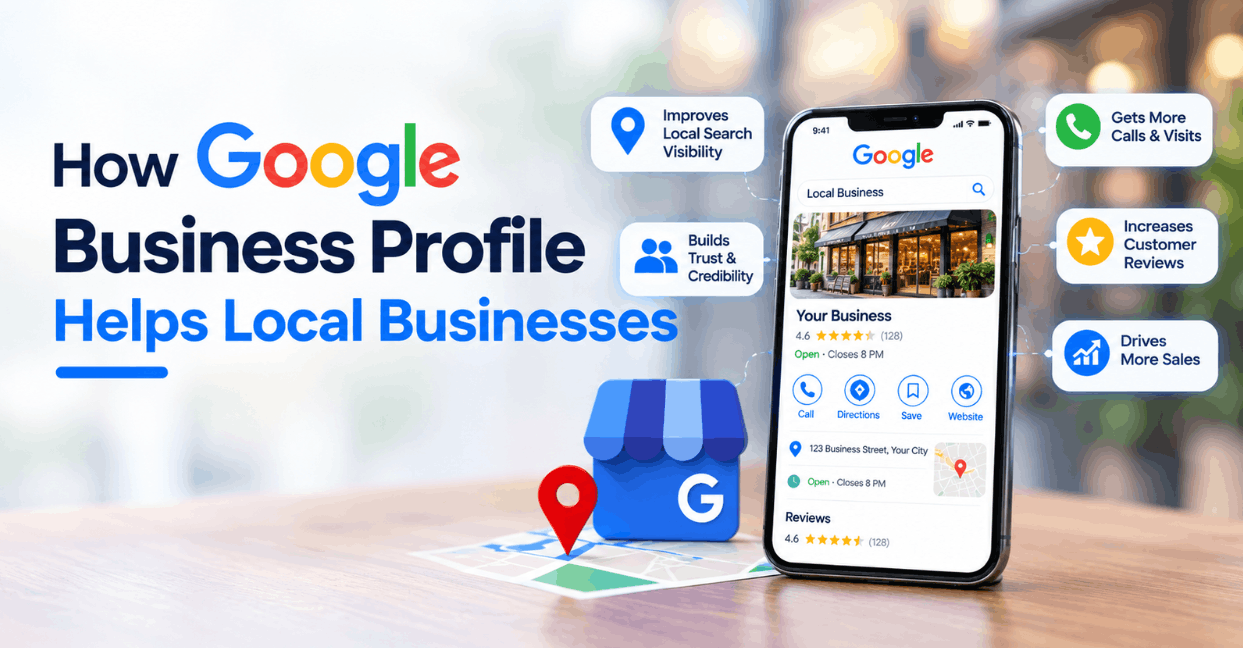
A business profile in Google Search and Maps is often a customer’s first check of a local business. Its practical value depends on whether the information is accurate and useful—not on a promise of a particular ranking or number of leads.
Set up the profile around real-world business details
Use the business name customers encounter in the real world, choose the most accurate available primary category, and keep address or service-area information consistent with how the business actually operates. Follow Google’s current eligibility and representation rules; do not add keywords to a business name or create a location that does not exist.
Review hours, holiday hours, phone number, website, service descriptions and other available fields whenever operations change. If several people edit the profile, assign an owner and keep access limited to the people who need it.
Make the profile helpful before trying to promote it
- Describe services in plain language and keep the information consistent with the website.
- Use current, representative photos the business is entitled to publish.
- Answer common customer questions through supported profile features where appropriate.
- Check suggested edits and customer questions so outdated details can be corrected.
Respond to reviews with care
Thank customers for specific feedback and respond calmly to criticism. Do not disclose private customer information in a public reply. Ask for honest feedback through a neutral process, and do not offer rewards for positive reviews or post reviews on behalf of customers.
Measure interactions without overclaiming attribution
Use the performance data available in the profile to review interactions such as calls, website clicks or direction requests, when those metrics are offered. Add consistent campaign tracking to website links if the analytics setup supports it. These signals describe activity; they do not by themselves prove that a profile caused a sale or improved search position.
A monthly maintenance routine
- Confirm business details and operating hours.
- Review profile messages, edits, questions and feedback.
- Check that the website link works and points to a relevant page.
- Compare profile interactions with website analytics and business records.
- Update photos and service details when they are no longer representative.
Search interfaces and available profile features can change, so check current Google Business Profile guidance before policy-sensitive edits. For broader local search support, see UfaqTech digital marketing services.
Related reading
- Where workflow automation can reduce repetitive work
- Planning a software change without disrupting existing systems
Need help auditing your online presence? Contact UfaqTech to discuss the scope.






Post Comments