






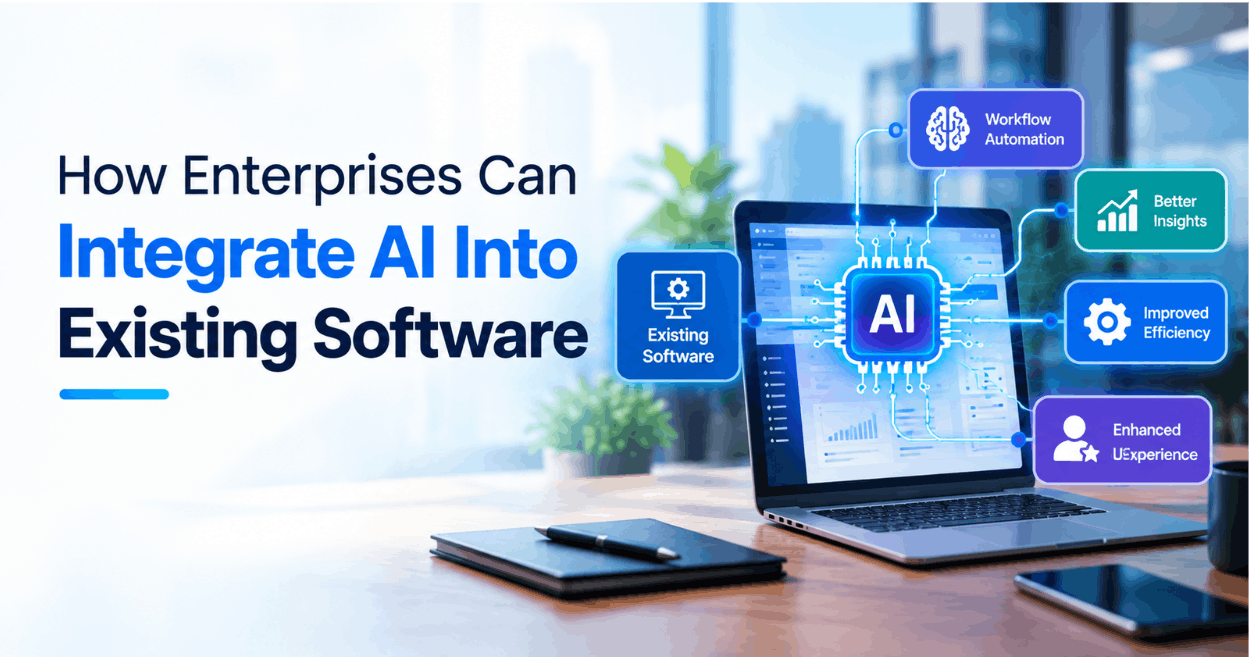
An AI capability is useful only when it fits a real workflow and can be operated responsibly. Integration begins with understanding users, data and system boundaries already in place—not with selecting a model first.
Pick a narrow, testable use case
Describe the task, the person who benefits, the inputs the feature may use and what a good result means. Prefer an initial use case where a user can review the output and an error has a defined, manageable consequence. Compare the proposed feature with a simpler rule-based or search approach before assuming AI is necessary.
Choose an integration boundary
Keep the AI component behind an explicit application interface. The existing product should control authentication, authorization, data selection and the user experience. For longer-running work, an asynchronous job can avoid holding a user request open; return a clear status and provide a safe retry or cancellation path.
Define a versioned input and output contract. Validate responses before using them, handle timeouts and provider errors, and do not let generated text directly trigger a consequential action without the required review and controls.
Protect data and permissions
- Send only information required for the task.
- Enforce access controls before retrieval and again when results are displayed.
- Decide how sensitive inputs, prompts, outputs and logs are retained.
- Do not place credentials or private configuration in prompts, browser code or public repositories.
- Treat retrieved documents and user-supplied content as untrusted input.
Evaluate quality in the application context
Create representative test cases from permitted data, record expected behavior and review failure modes. Measure task-specific quality, not just whether a response was returned. Include cases with missing context, conflicting information and out-of-scope questions. Keep a human fallback where the application cannot safely resolve uncertainty.
Release gradually and observe
Begin with a limited group or a shadow evaluation that does not change the user’s outcome. Monitor errors, latency, usage, cost and user corrections with privacy-appropriate logging. Version model and prompt configuration, document a rollback path and assign an owner for incidents and ongoing evaluation.
Related reading
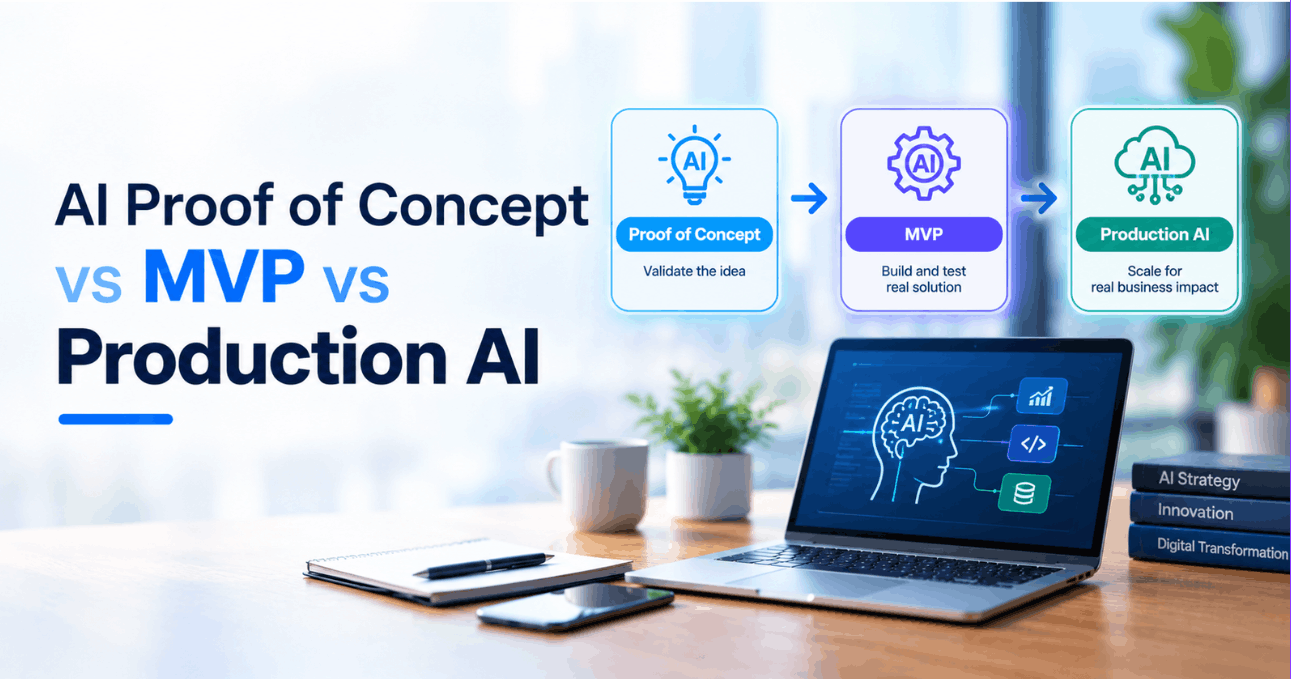
- Choosing between an AI PoC, MVP and production system
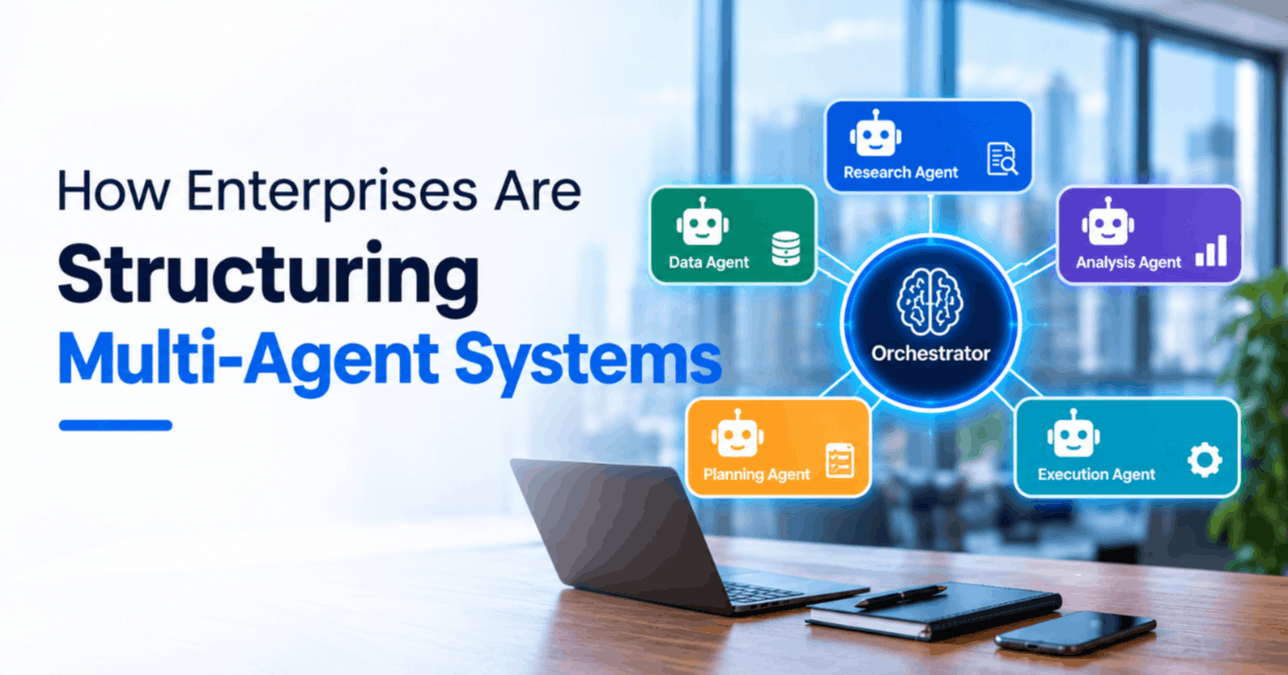
- Deciding whether a multi-agent architecture is needed
For software integration planning, see UfaqTech software consulting or contact the team.